Key Held?
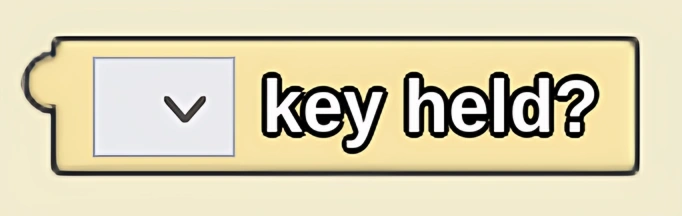
True if the selected key is held down. Often used in an "if" block to set a condition for an ongoing action that will be repeated as long as the key is held down.
Description
The Key Held? block returns true if the selected key is held down. Often used in an "if" block to set a condition for an ongoing action that will be repeated as long as the key is held down. This is a code block part of the Keyboard drawer.
Usage
Key Held? is a type of logic block that returns a boolean. A true is returned if a specific key denoted in the drop down is held down in the current tick.
Syntax
Inputs in this block:
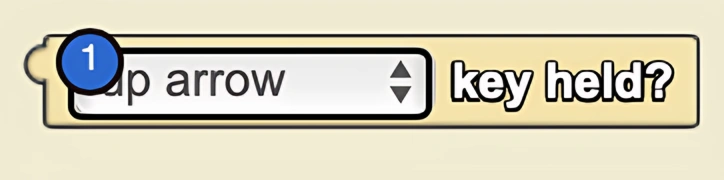
- A keyboard key from drop down
Example
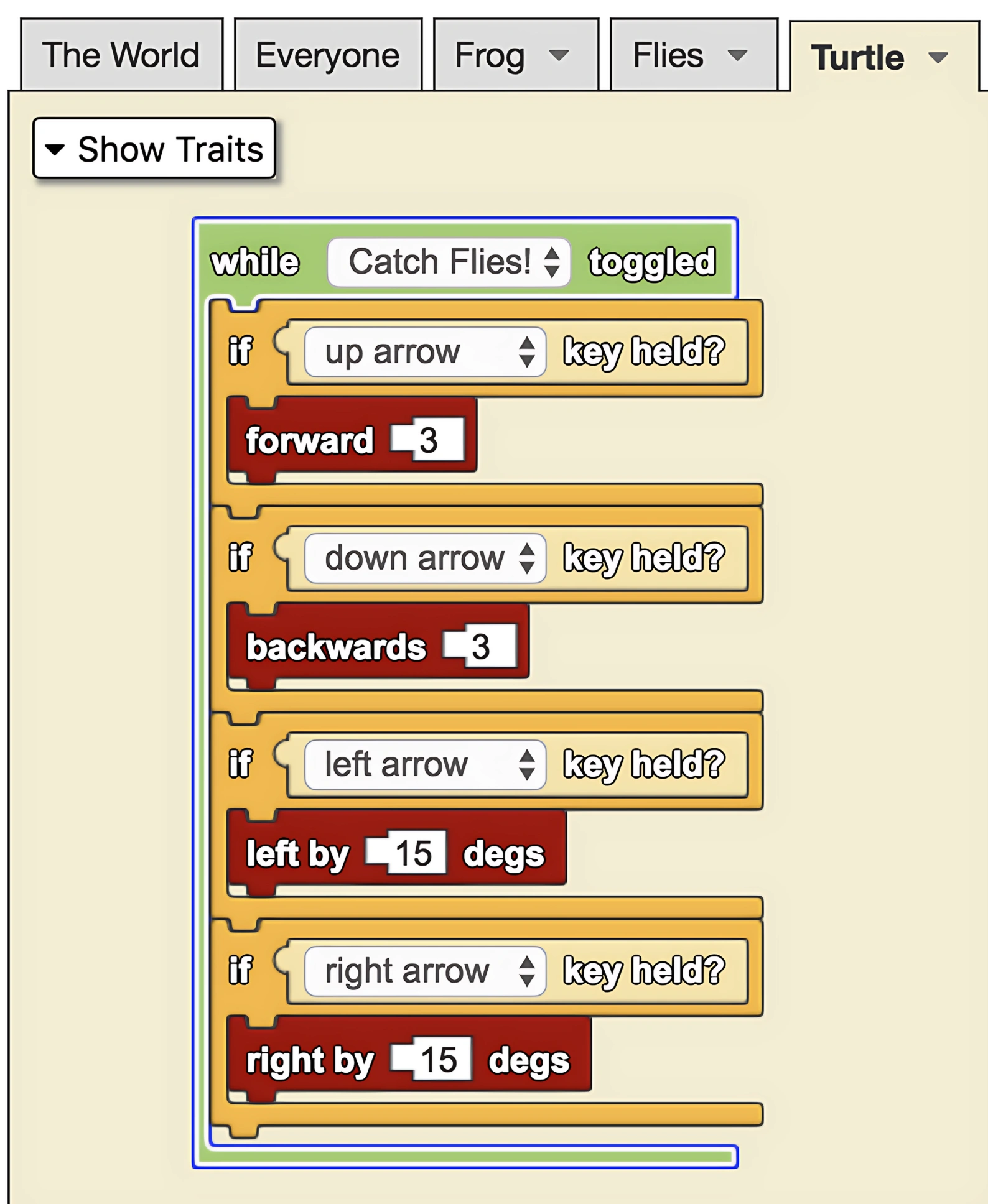
While "Catch Flies!" is toggled on, the up arrow key is held down causing the turtle to move forward. The left arrow key turns the turtle to the left as long as the button is held. Take note that the frog only moves while the key is held down.
Notes
An important difference between Key Held? and Key Typed? is that Key Typed? returns true only on ticks when the specific key is held AND when it was not held on the previous tick.
Basically, Key Typed? returns true only on the tick when the button is first pushed and not on consecutive ticks. Key Held? returns true forever as long as the specific key is being held down.
Related Blocks
- Key Typed? - Returns true only when a key is first pressed