Sound
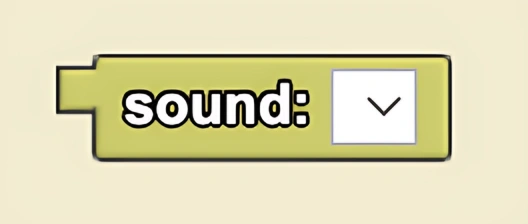
Returns the sound selected from the dropdown menu.
Description
The Sound block returns the selected sound. You can upload or record your own sounds, or select one from a library of pre-loaded sounds. This is a code block part of the Sound drawer.
Usage
Returns the selected sound. You can upload or record your own sounds, or select one from a library of pre-loaded sounds.
Syntax
Inputs in this block:
- A sound from the dropdown menu
Example
The image above is from a predator-prey simulation where a dog agent hunts many smaller cat agents. On collision with a dog, the cat agents will play an audio recording of a cat meowing.
Notes
The Sound block provides access to a library of pre-loaded sounds and also allows you to upload or record custom sounds for use in your simulations.
Related Blocks
- Play Sound - Play the selected sound