Down
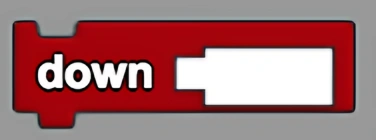
Moves down by a specified number of steps.
Description
The Down block will move any agent downwards in the "z" direction by the number of steps specified. This is a code block part of the Movement drawer.
Usage
Will move any agent downwards in the "z" direction by the number of steps specified.
Syntax
Inputs in this block:
- A number (number of steps to move down)
Example
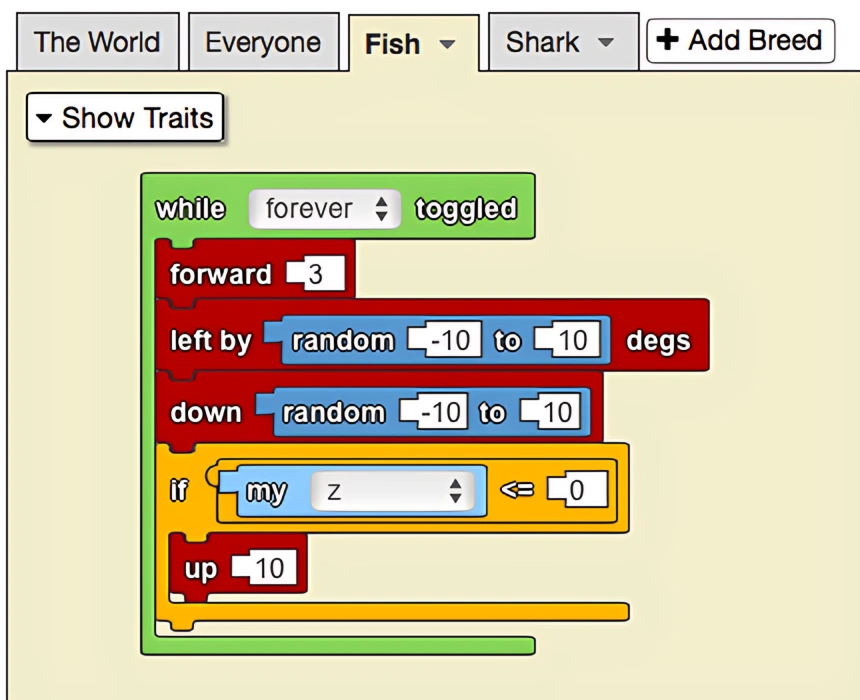
The down block is useful to take advantage of the 3D features of StarLogo. By adding the down block this becomes a more realistic model predator-prey interactions and fish movement. To enable random vertical movement and keep all fish above ground, fish who fall below the valid range of z values are automatically raised above ground in the final if statement.
Notes
The Down block moves agents in the negative z direction in 3D space. Be careful to keep agents within valid z coordinates to prevent them from going below the terrain.
Related Blocks
- Up - Move up specified steps