Teleport To
Instantly moves to the specified coordinate.
Description
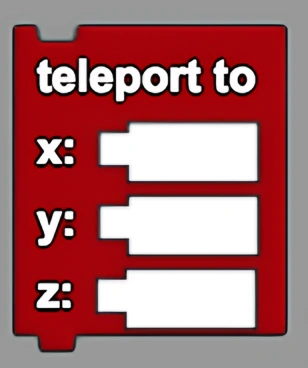
The Teleport To block instantly moves to the specified coordinate. This is a code block part of the Movement drawer.
Usage
Instantly moves to the specified coordinate.
Syntax
Inputs in this block:
- First input: a number, the x coordinate
- Second input: a number, the y coordinate
- Third input: a number, the z coordinate
Example
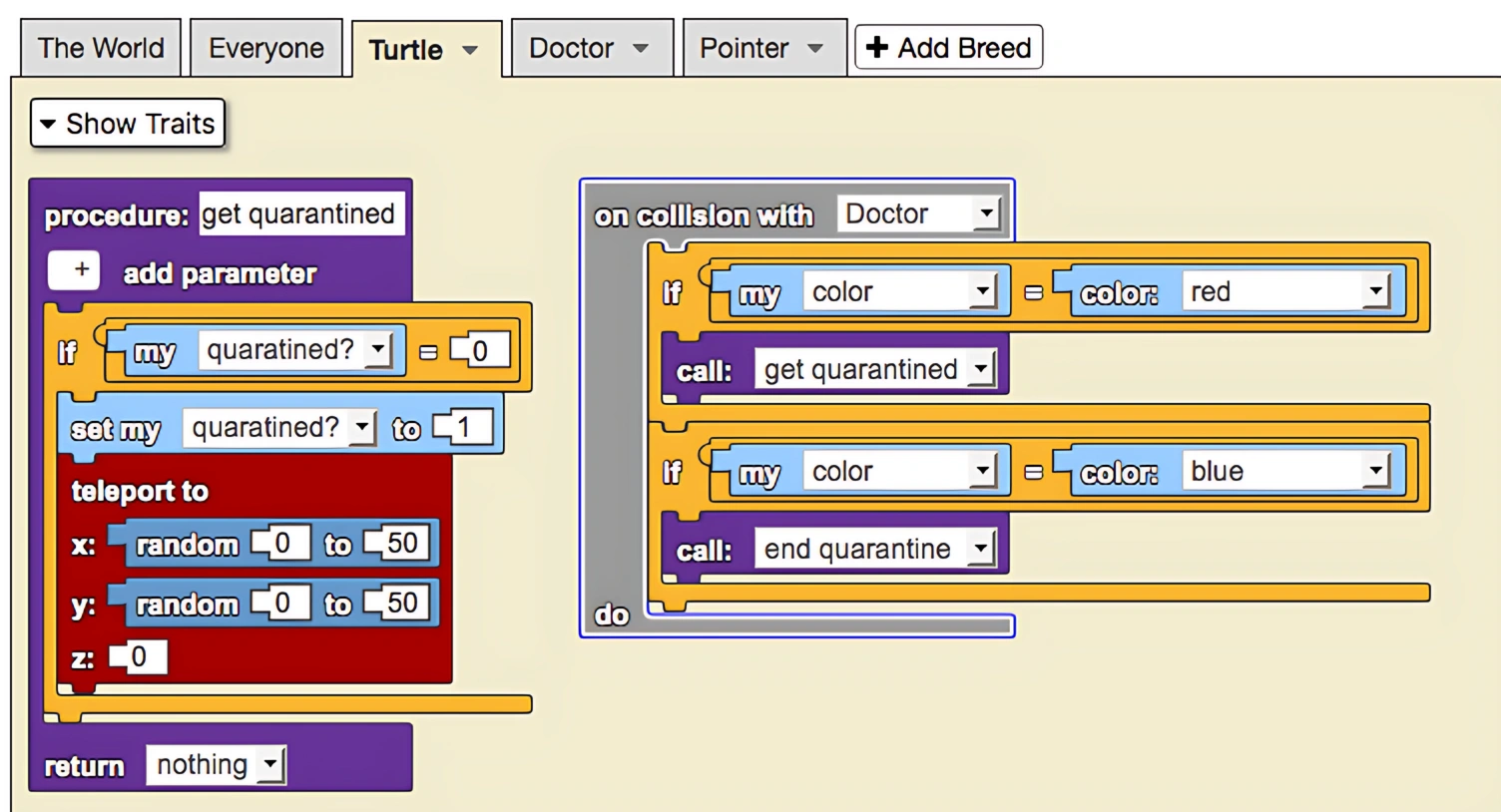
This is a model of a quarantine. Note that movement from the unquarantined area to the quarantined area changes the trait quarantined? from 0 to 1. Doctors (pink cubes) remove immune agents (blue) from the quarantine and move them to the unquarantined area. Further, they also find sick agents roaming around the unquarantined area (green terrain) and move them to the quarantine (white terrain). Both the 'get quarantined' and 'end quarantine' functions use the teleport to block to move agents to their proper locations. The blocks shown above describe the 'get quarantined' that relocates unquarantined sick agents to the quarantined area that exists in the square with corners (0,0) and (50,50).
Notes
The Teleport To block provides instant movement without animation or tweening, unlike the forward/backward movement blocks. This is useful for immediately repositioning agents without showing the movement path.
Related Blocks
- forward - Move forward with animation
- backwards - Move backwards with animation
- left by degs - Rotate agent left
- right by degs - Rotate agent right
- up - Move up specified steps
- down - Move down specified steps