Call
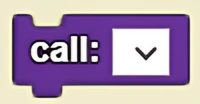
Agent calls a defined procedure to follow from the drop down menu.
Description
The Call block allows an agent to call a defined procedure to follow from the drop down menu. This is a code block part of the Procedures drawer.
Usage
Agent calls a defined procedure to follow from the drop down menu.
Syntax
Inputs in this block:
- A created procedure from the drop down menu
Example
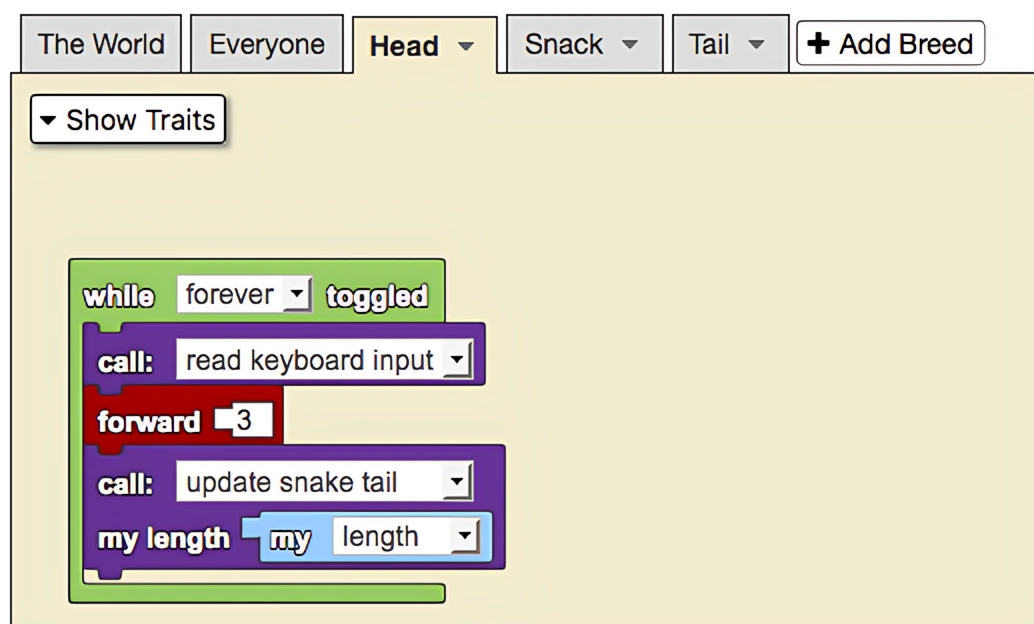
In this version of the snake game, the direction the snake moves is determined by which key is typed (as instructed by the procedure block). To carry out these instructions once they have been encased in a procedure we must call the procedure, as has been done for both 'read keyboard input' and 'update snake tail.'
Notes
The Call block executes a procedure without returning a value. Use the Call (returns) block if you need to retrieve a value from the procedure.
Related Blocks
- Call (returns) - Call a procedure and retrieve its return value
- Procedure - Define a new procedure