Parameter
Returns the value of a selected parameter that has been added in the procedure definition.
Description
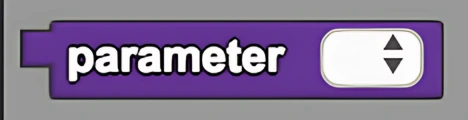
The Parameter block returns the value of a selected parameter that has been added in the procedure definition. This is a code block part of the Procedures drawer.
Usage
Returns the value of a selected parameter that has been added in the procedure definition.
Syntax
Inputs in this block:
- A created parameter from the dropdown menu
Example
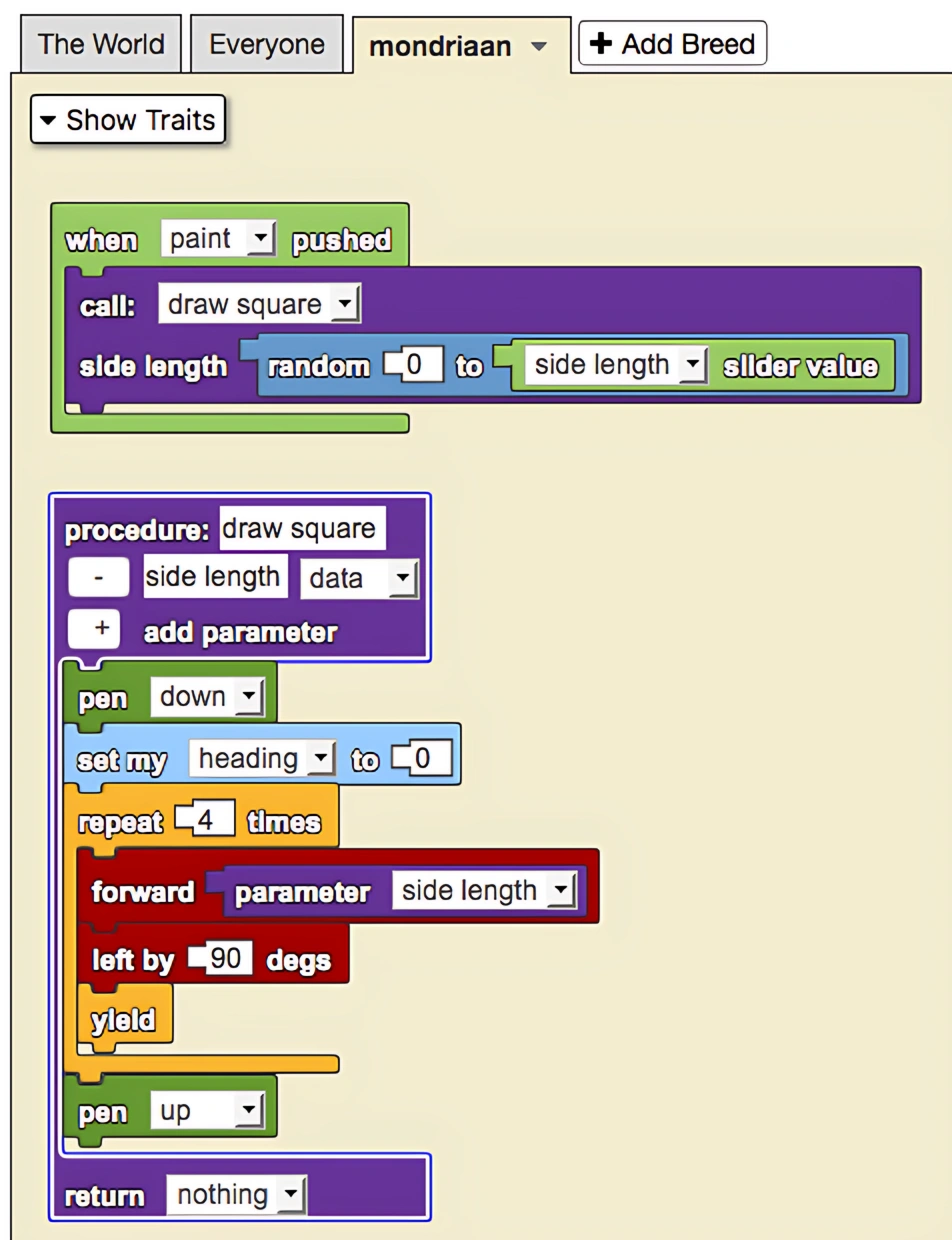
In this model, a procedure called "draw square" was created to draw squares in spaceland, with a parameter that defined the side length of the square. Parameters are useful here because the side lengths are not constant. A parameter is a condition which has to be specified in order for a procedure to execute the desired function.
Notes
Parameters allow procedures to be more flexible and reusable by accepting different input values each time they are called.
Related Blocks
- Procedure - Define a new procedure with parameters
- Call - Call a procedure with parameter values
- Call (returns) - Call a procedure with parameters and retrieve its return value