Set to
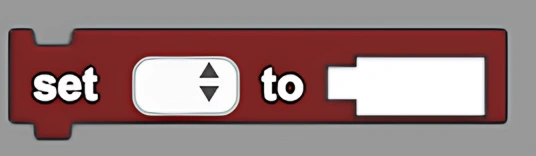
Sets the selected variable to a given value.
Description
The Set to block sets the selected variable to a given value. This is a code block part of the Variables drawer.
Usage
Sets the value of a previously existing variable selected from the dropdown menu to the value of the input.
Syntax
Inputs in this block:
- First input: a previously created variable from the dropdown menu
- Second input: a number in the socket
Example
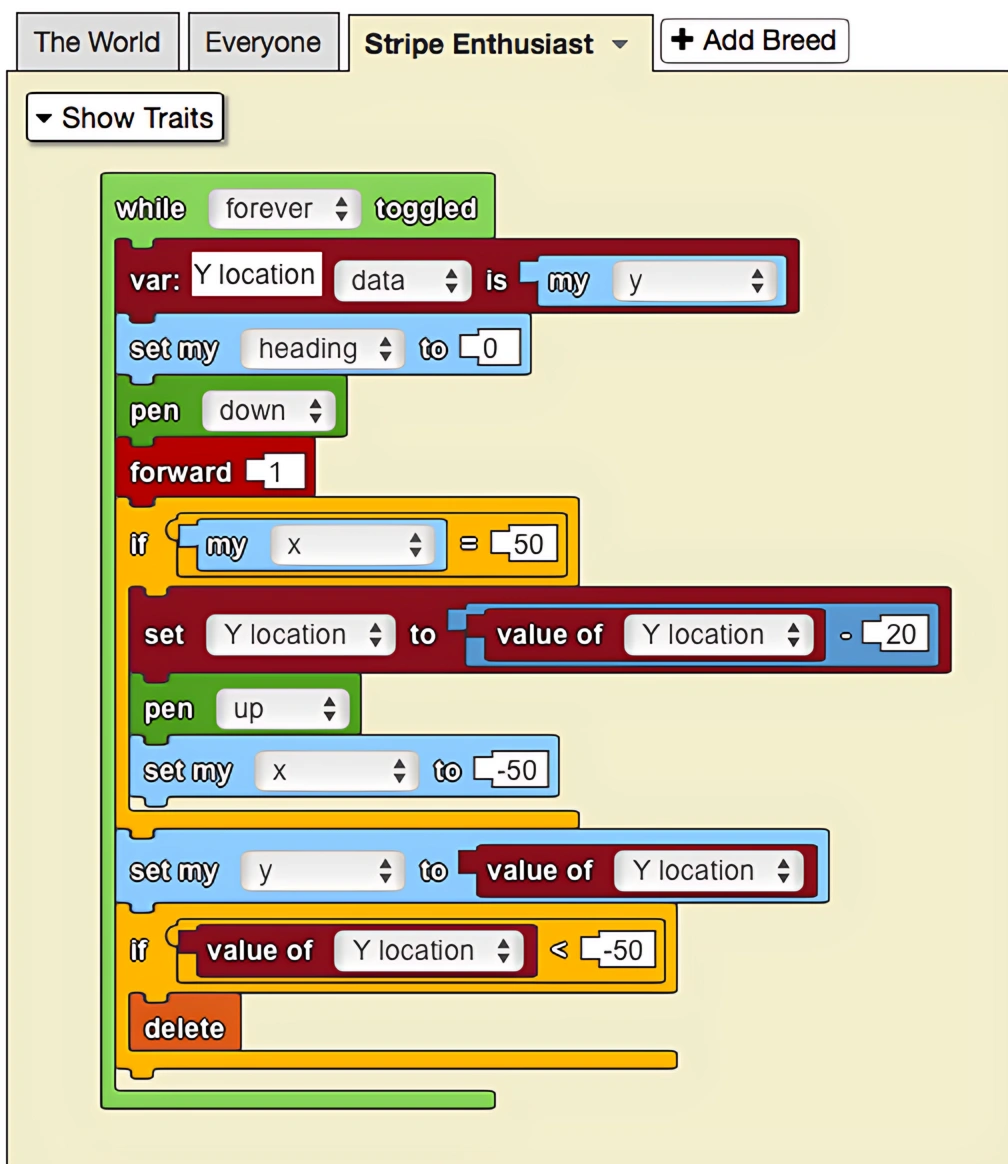
The code above makes use of variables to draw stripes across the screen. Since the value of the variable needs to change in order to change the location of the agent drawing the stripes, the 'set to' block is used to set the variable to the current y-value of the agent.
Notes
The Set to block is essential for updating variable values during program execution, enabling dynamic behavior and state management in your simulations.