Var is
Creates a variable with a specified name.
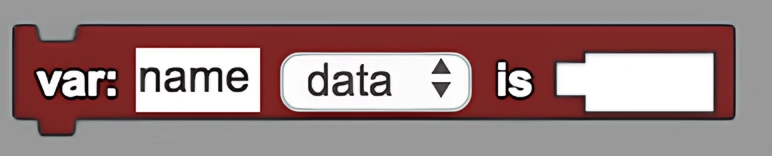
Description
The Var is block creates a variable with a specified name. This is a code block part of the Variables drawer.
Usage
Creates a variable (a place to store data) in the agent's context with a specified name. You can rename the variable by selecting the "name" text and typing over it. You can also specify what type of variable using the drop down menu. The variable only exists in the stack of code where it is created.
Syntax
Inputs in this block:
- A name for the variable
- A type of variable from the dropdown menu
- A value to assign to the variable
Example
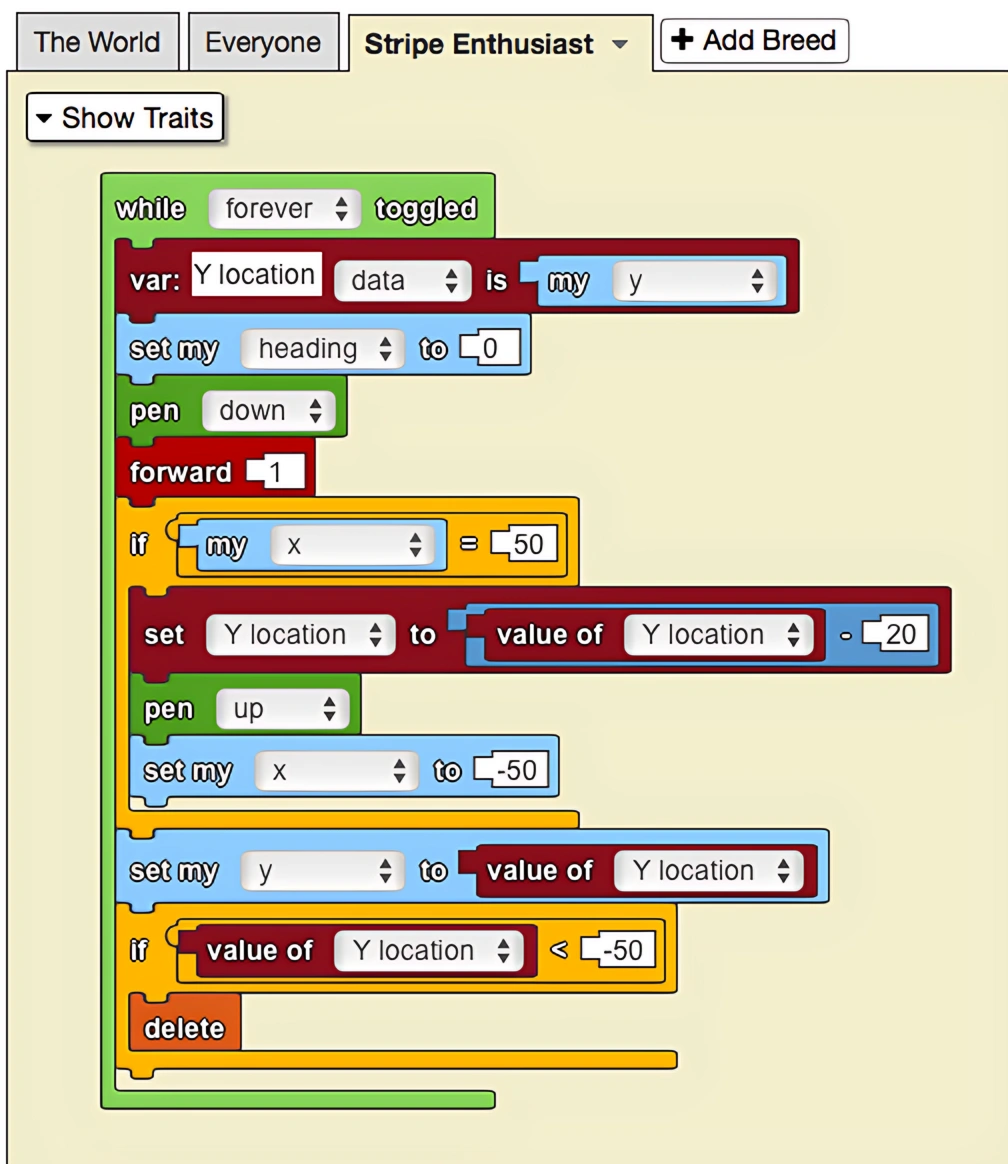
The code above creates variables to draw stripes across the screen. Since it is useful to keep track of the current y-value to draw each stripe, the 'var' block has been used to declare this variable. Since the value of the variable needs to change in order to change the location of the agent drawing the stripes, the 'set to' block is used to set the variable to the current y-value of the agent.
Notes
Variables created with the Var is block have local scope and only exist within the code stack where they are created. This helps prevent naming conflicts and keeps your code organized.