Pen
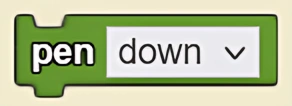
Adjusts the pen tool. If the pen is down, the agent stamps the terrain at each position as it moves along the terrain. If the pen is up, the agent does not stamp the terrain.
Description
The Pen block adjusts the pen tool. If the pen is down, the agent stamps the terrain at each position as it moves along the terrain. If the pen is up, the agent does not stamp the terrain. This is a code block part of the Environment drawer.
Usage
Pen adjusts the pen tool. If the pen is down, the agent stamps the terrain at each position as it moves. If the pen is up, the agent does not stamp the terrain.
Syntax
Inputs:
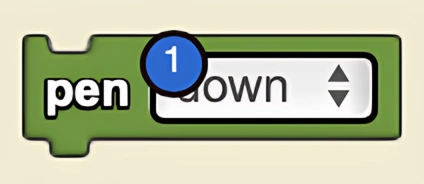
- Either "up" or "down" from the dropdown menu
Example
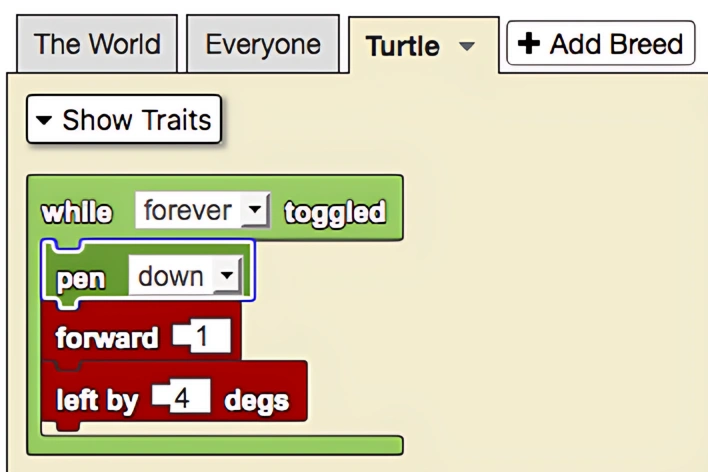
This is an example of the flower turtles activity. Using the pen down block it is possible to track the movement the turtles such that a flower appears on the terrain. Note that the size of the trail a turtle leaves using pen down is proportional to the size of the turtle.
Notes
An important difference between Pen and Stamp is that Pen allows for continuous marking of the terrain that always follows the agent's movement.
Related Blocks
- Stamp - Creates a single mark on the terrain at the current position