Terrain Color
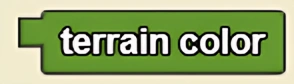
Returns the color of the terrain the agent is currently on.
Description
The Terrain Color block returns the color of the terrain the agent is currently on. This is a code block part of the Environment drawer.
Usage
Terrain Color refers to the color of the terrain that the agent is currently on.
Syntax
This block has no inputs.
Returns: terrain color
Common Uses
This is commonly used as part of a conditional statement: for example, if an agent's color matches the color of the terrain, then the agent should perform a certain action.
Example
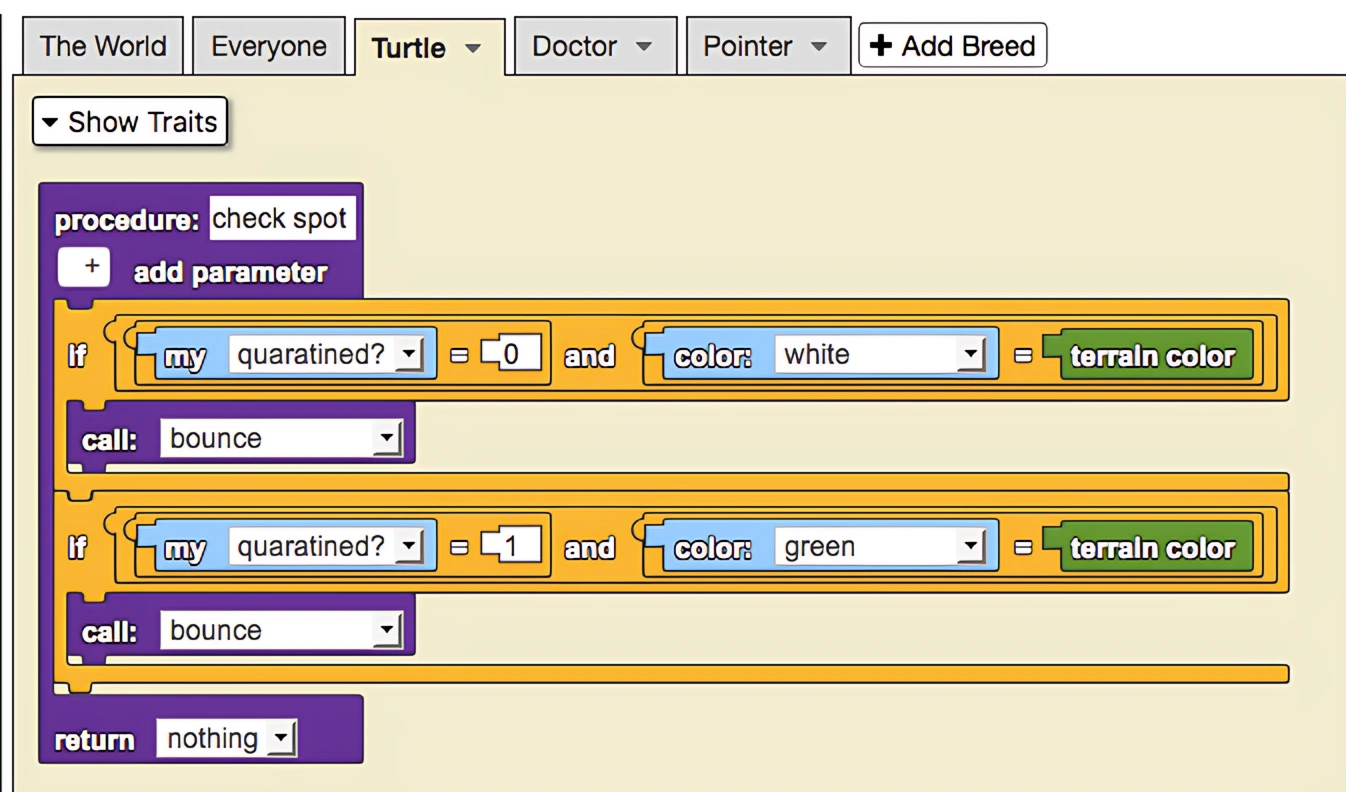
This is a model of a quarantine. Doctors (pink cubes) find sick agents roaming around the unquarantined area (green terrain) and move them to the quarantine (white terrain). Further, they also remove immune agents (blue) from the quarantine and move them to the unquarantined area. Note that movement from the unquarantined area to the quarantined area changes the trait quarantined? from 0 to 1.
The blocks shown below describe the procedure that ensures quarantined agents remain on white terrain and unquarantined agents remain on green terrain. If this condition is violated, the procedure bounce is called to move the agents back into its correct position.
Related Blocks
- Stamp - Colors the terrain at the agent's position
- Pen - Draws on the terrain as the agent moves
- Reset Terrain - Resets terrain to original state