Stamp
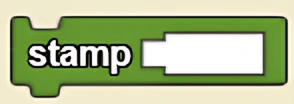
Colors a circle on the terrain in the agent's current position, with size corresponding to the size of the agent.
Description
The Stamp block colors a circle on the terrain in the agent's current position, with size corresponding to the size of the agent. This is a code block part of the Environment drawer.
Usage
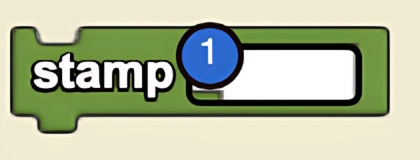
Stamp causes the agent to draw a circle on the terrain in the agent's current position, with size corresponding to the size of the agent.
Syntax
Inputs:
- Color block
Example
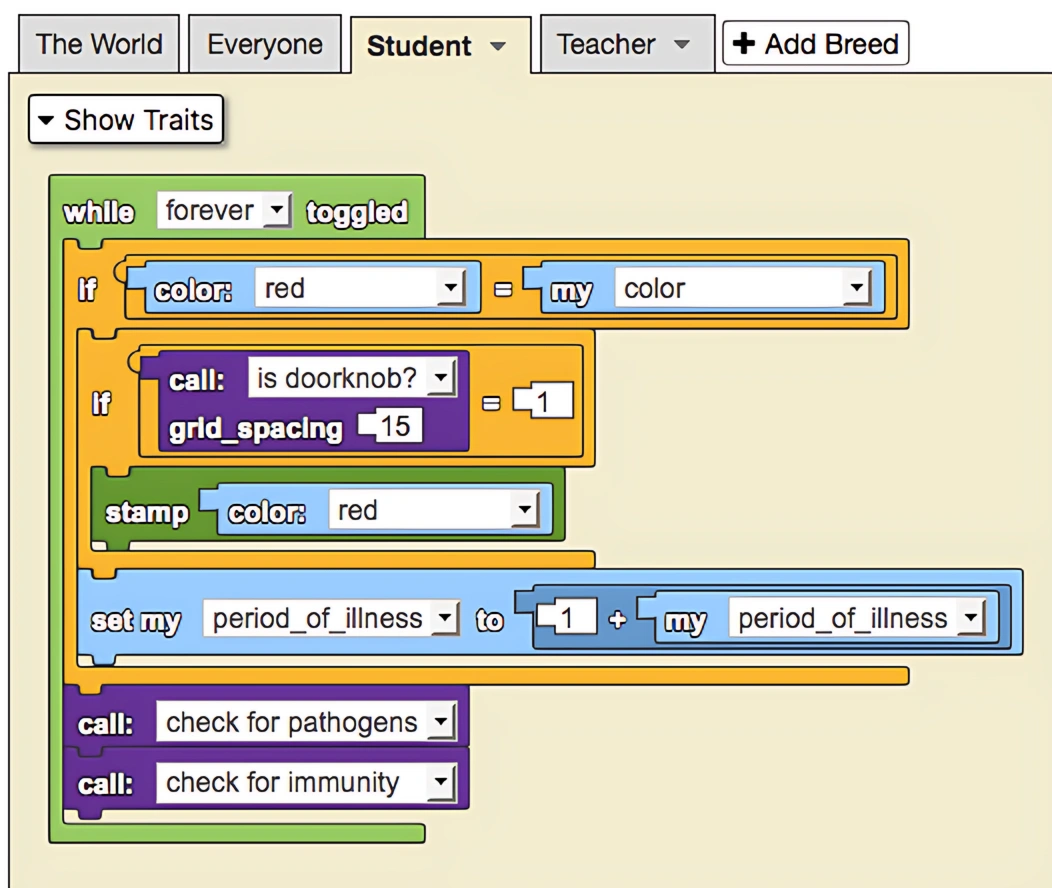
This is a model of disease transmission in a school. Certain squares in spaceland have been designated to be doorknobs where sick agents are able to leave a stamp indicative of them leaving the pathogen behind. The size of each Student determines how likely they are to transmit the disease (e.g. small agents wash their hands more frequently). This works because the stamp block leaves a mark proportional to the agent's size. When healthy agents encounter dirty door knobs, they are likely to pick up the disease. Teachers (large blue agents) can clean doorknobs and not get ill.
Common Uses
This is used to change the color of the terrain. Changing the color of all the terrain would require creating one large agent of size 200 and then stamping a certain color.
Related Blocks
- Pen - Draws continuously on the terrain as the agent moves
- Reset Terrain - Resets terrain to original state
- Terrain Color - Gets the color of the terrain at a position