Set Clock To
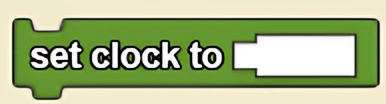
Sets the value of clock to some number. Typically, when you reset the clock, you want to start it at 0.
Description
The Set Clock To block sets the value of the clock to a specified number. This is a code block part of the Environment drawer.
Usage
Use Set Clock To to initialize or reset timing in your simulations. Common applications include creating periodic events, measuring elapsed time, or synchronizing actions across agents. The clock value persists and increments automatically each tick unless explicitly changed.
Syntax
Inputs:
- A number

Common Uses
This is commonly used to reset the clock, which is helpful for each time you run a simulation.
Example
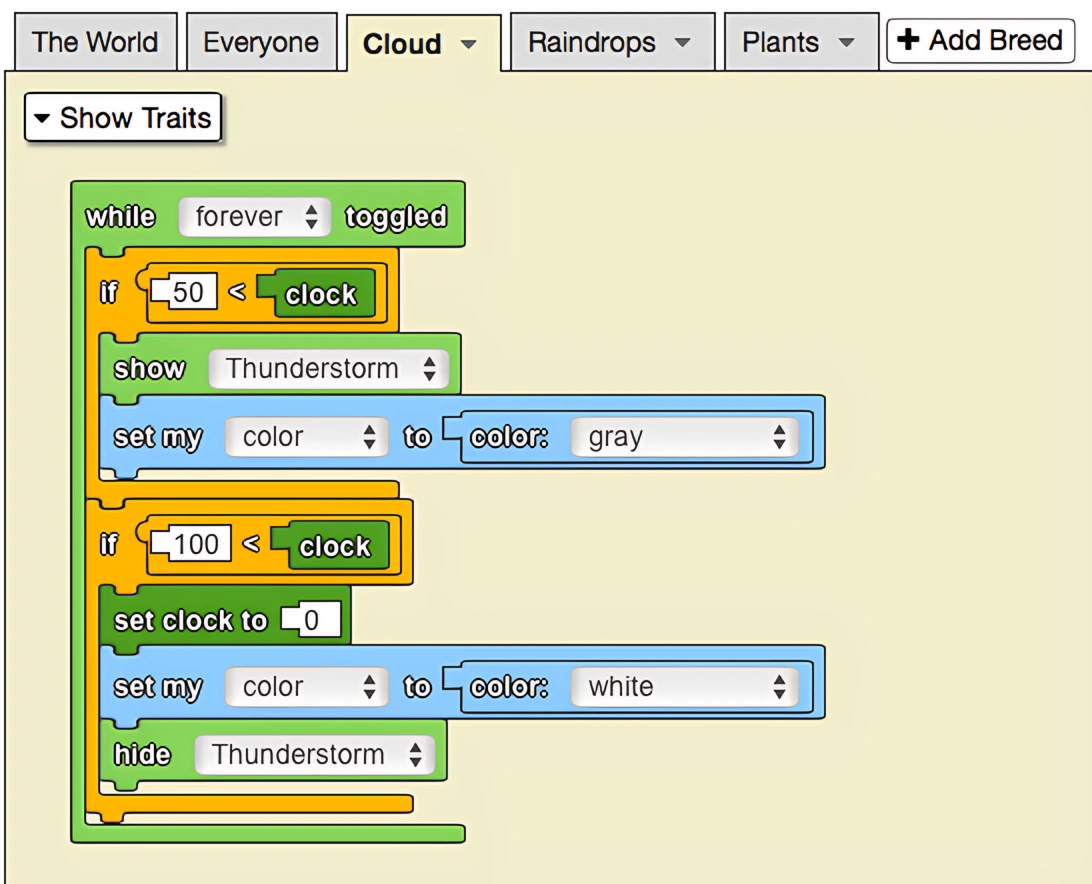
The model below depicts flowers growing with the rainfall over time. The clock is used to determine when thunderstorms start and stop: it will rain between 50 and 100, after which the clock will be reset to 0. In all, there are 50 ticks of rain followed by 50 ticks of no rain.
Related Blocks
- Clock - Returns the current value of the clock