Clear Line Graph
Removes all existing data on a selected graph.

Description
The Clear Line Graph block removes all existing data on a selected graph. This is a code block from the Interface drawer.
Usage
Clear Line Graph removes all existing data on the selected line graph.
Syntax
Inputs:
- A graph from the dropdown menu

Example
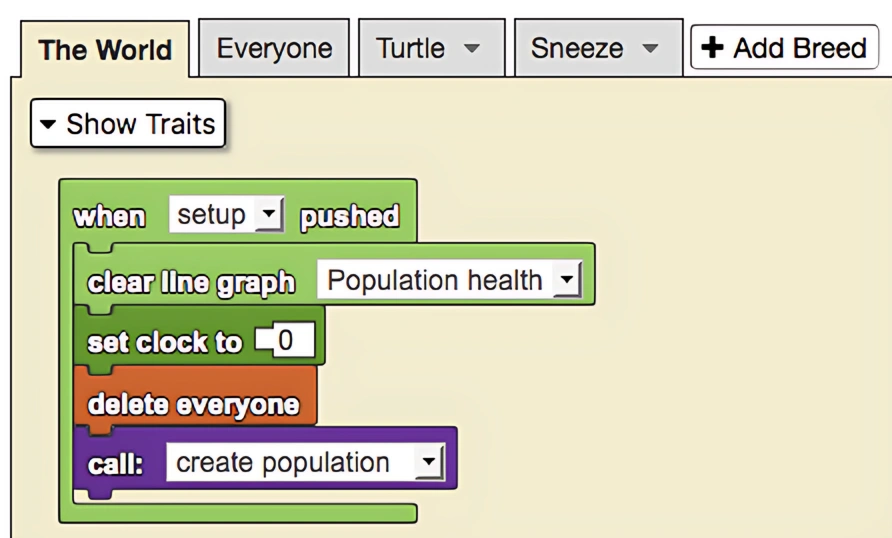
This is a model of an epidemic. When the setup is pushed the population health line graph is cleared.
Notes
Clear your line graphs each time before you run a new simulation to keep data separate from each run.
Related Blocks
- Add Data To Line Graph - Adds data to a line graph