Hide
Hides a selected widget. Once hidden, you need to use "show" to make it visible again.
Description
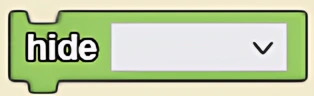
The Hide block hides a selected widget. Once hidden, you need to use "show" to make it visible again. This is a code block from the Interface drawer.
Usage
Hide hides a selected widget. Once hidden, you need to use "show" to make it visible again.
Syntax
Inputs:
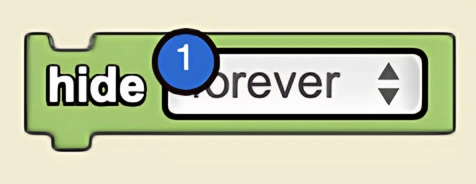
- Select the desired widget from the drop down menu
Example
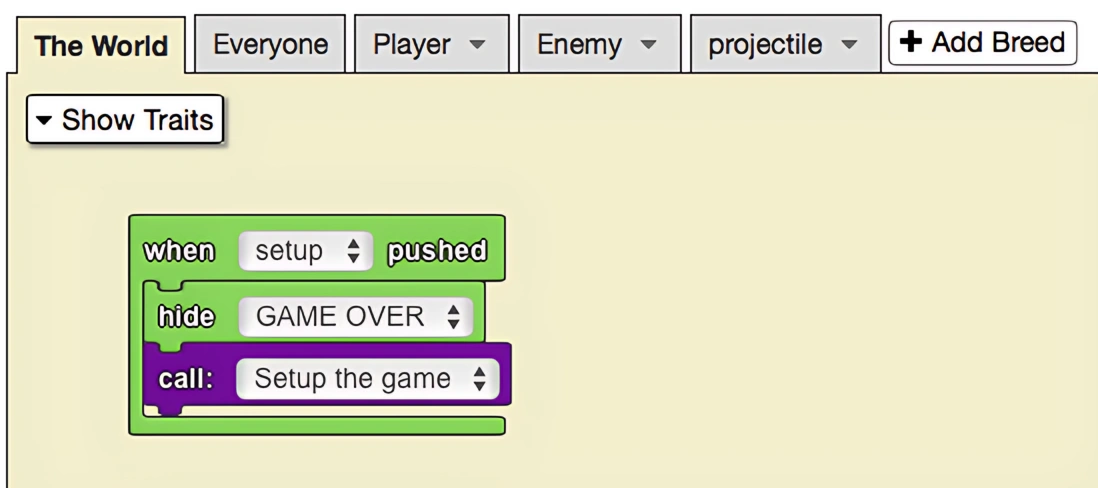
The game below involves shooting down enemy spaceships, while trying to avoid crashing into them. After you crash into an enemy spaceship, everyone is deleted and the 'GAME OVER' label is shown using the 'show' block. This label is hidden in the setup of the game using the 'hide' block so that it is invisible until the game is over.
Related Blocks
- Show - Shows a hidden widget