Set Label To
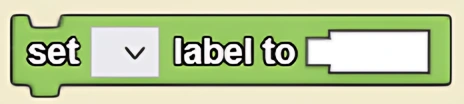
Assigns a value to a selected label. Unlike data boxes, labels do not have a heading and may be assigned text values.
Description
The Set Label To block assigns a value to a selected label. Unlike data boxes, labels do not have a heading and may be assigned text values. This is a code block from the Interface drawer.
Usage
Set Label To assigns a value to a selected label. Unlike data boxes, labels do not have a heading and may be assigned text values.
Syntax
Inputs:
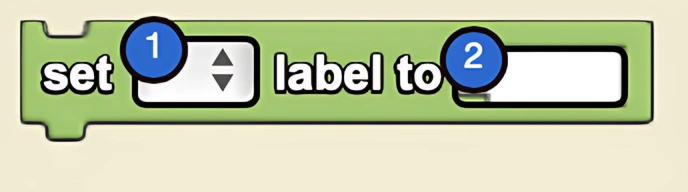
- A label from the dropdown menu
- A number into the socket
Example
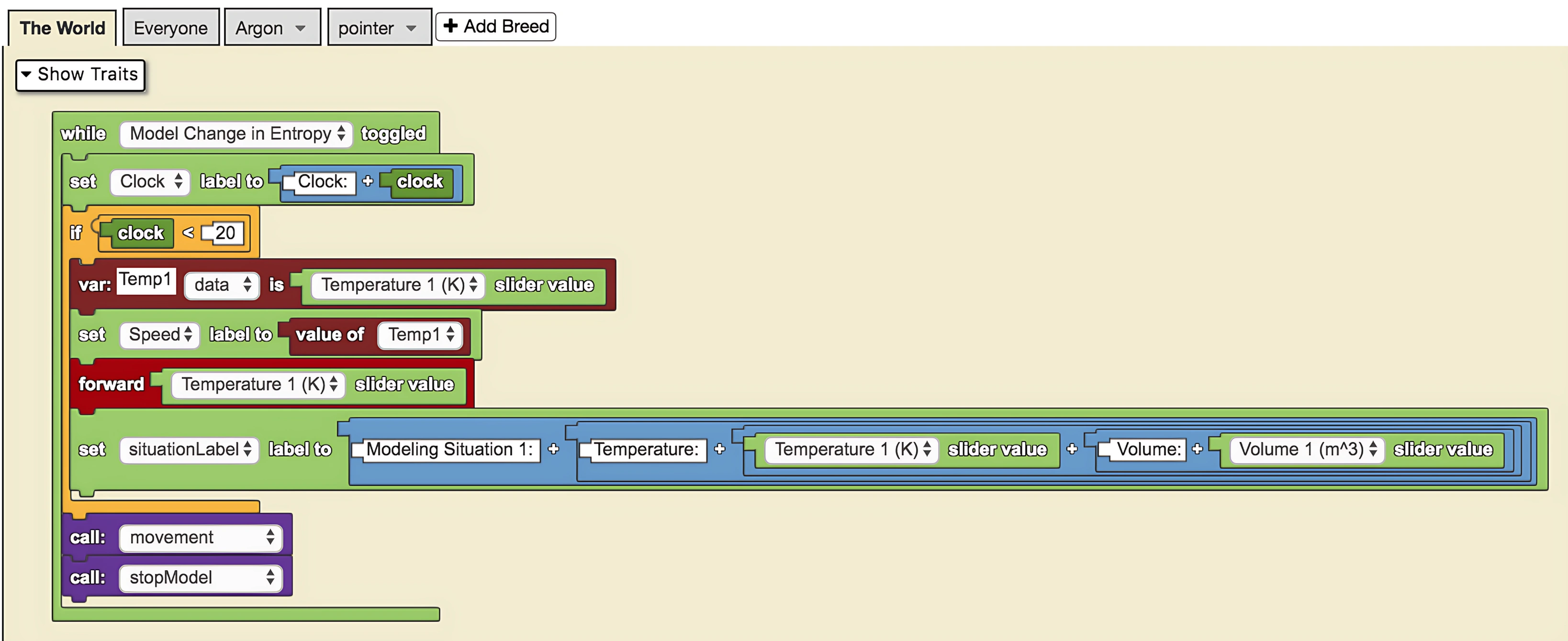
This is a model of the change in entropy of Argon (Ar) molecules between two configurable situations with respect to volume and temperature. The sliders on the left describe the initial and final conditions. The set 'situationLabel' label to block displays the values of the temperature and volume of the system for both situations.
Related Blocks
- Set Data Box To - Sets the value of a data box widget
- Label - Gets the value of a label