Set Data Box To
Assigns a value to a selected data box.

Description
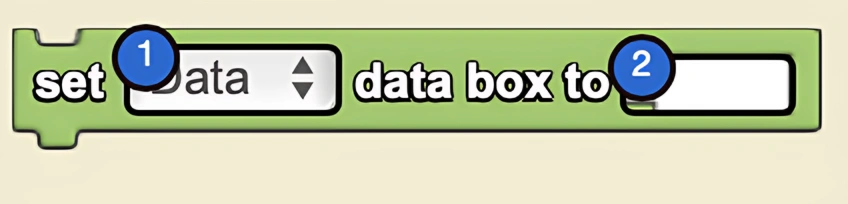
The Set Data Box To block assigns a value to a selected data box. This is a code block from the Interface drawer.
Usage
Set Data Box To assigns a value to a selected data box.
Syntax
Inputs:
- A data box from the dropdown menu
- A number in the socket
Example
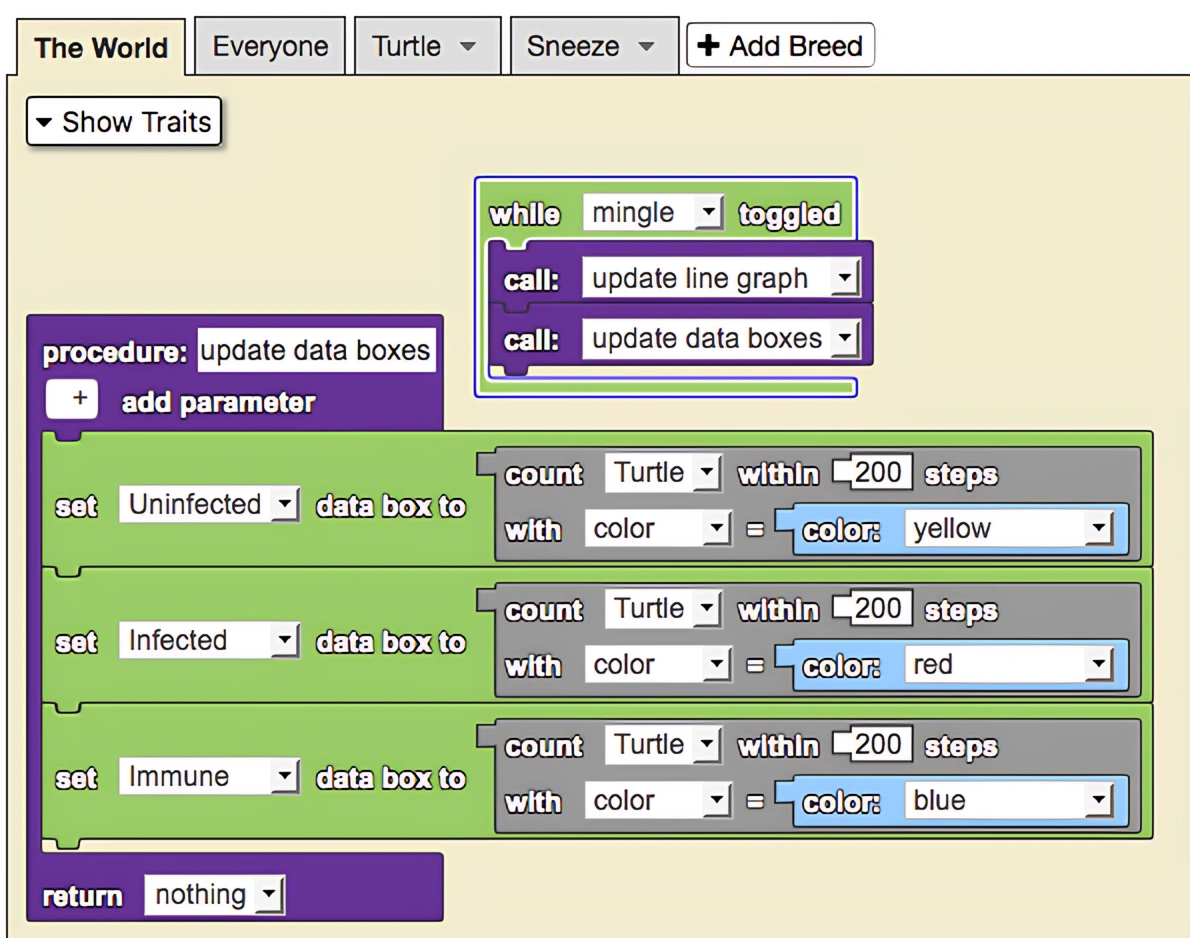
This is a model of an epidemic. To monitor the spread of the epidemic, data boxes and a line graph have been employed to monitor immune, uninfected, and infected populations.
Related Blocks
- Set Label To - Sets the value of a label widget
- Data Box - Gets the value of a data box