When Pushed
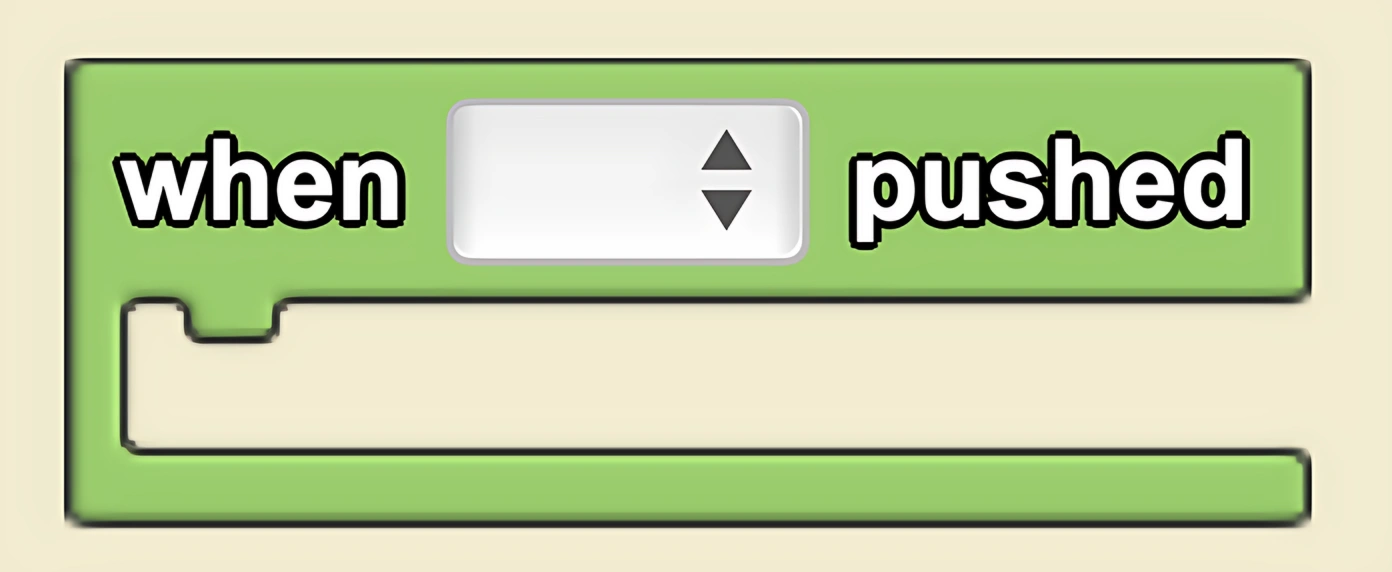
Executes commands inside this block (once, from top to bottom) when the push button widget is pushed. Widgets can be created using the Edit Widgets feature.
Description
The When Pushed block executes commands inside this block (once, from top to bottom) when the push button widget is pushed. Widgets can be created using the Edit Widgets feature. This is a code block from the Interface drawer.
Usage
When Pushed begins a single execution of a stack of code (from top to bottom) when the pushed button widget is pushed. Widgets can be created using the Edit Widgets feature.
Note: It is useful to use the 'when pushed' with a push button widget when you want to execute a code segment once.
Syntax
Input:
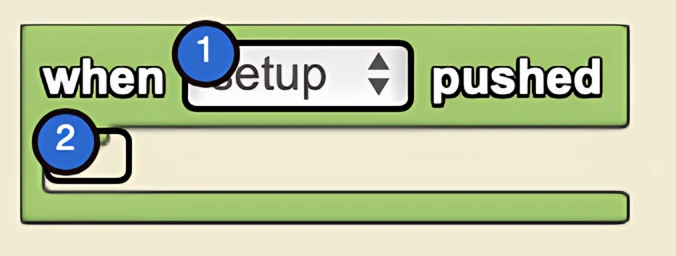
- Select the desired push-button widget from the drop down menu
Example
By default, StarLogo Nova displays the setup button widget. More buttons can be added by pressing 'edit interface.' After new push buttons are created, they will be displayed in the dropdown menu in the when pushed button. This button executes the instructions within the code when the button is pressed. In this case, we see common setup behavior.

Related Blocks
- While Toggled - Executes code continuously while a toggle button is on